 Bad
BadConfirm a breakout
A push to new highs on volume dominated by buying reads very differently from one where sellers absorbed most of the prints.
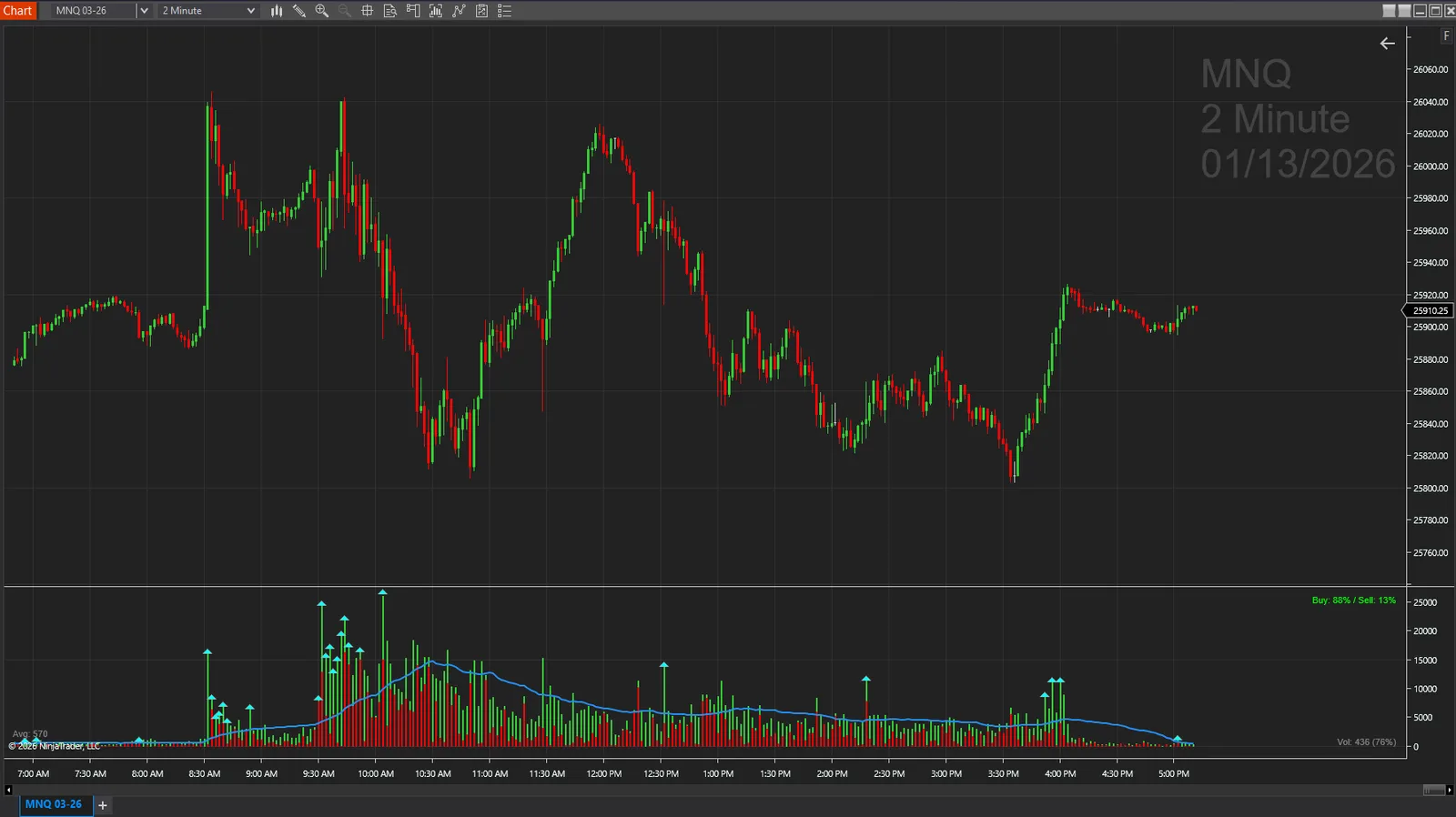
Separate buying and selling volume with clear visual distinction.
Buying Selling Volume is a free tool from BadBuddha's Library — download it and drop it straight into NinjaTrader 8.
Download Buying Selling VolumeVersion 1.2.0.0 · Installs like every BadBuddha tool — see the install guide. Free tools need no activation.
A standard volume histogram tells you how much traded, but not who was in control while it traded. Splitting each bar's volume into buying pressure and selling pressure adds the missing half of the story: two bars with identical total volume can have completely different meanings when one printed mostly at the offer and the other mostly at the bid.
Buying Selling Volume draws that split directly in the volume panel with clear visual distinction, so heavy participation that supports the move reads differently from heavy participation fighting it — without any extra windows or configuration.
A push to new highs on volume dominated by buying reads very differently from one where sellers absorbed most of the prints.
Price stalling while one side of the volume swells is a classic sign a level is being defended.
Pullbacks on shrinking, mixed volume are routine; pullbacks on expanding sell volume deserve more respect.
Same import as every NinjaTrader 8 add-on.
Use the download button above — no account, no checkout, no activation for free tools.
Control Center → Tools → Import → NinjaScript Add-On, then select the downloaded file. Do not unzip it first.
Open a chart → right-click → Indicators → find Buying Selling Volume in the list and configure it to taste.
BadBuddha tools include an update checker that tells you inside NinjaTrader when a new version ships.
Yes — Buying Selling Volume is part of BadBuddha's free library. There is no trial clock, no account, and no activation step; download it and use it.
Download the .zip, then in NinjaTrader 8 go to Control Center → Tools → Import → NinjaScript Add-On and select the file (don’t unzip it first). Full walkthrough in our Getting Started guide.
Yes. Chart indicators run locally inside your NinjaTrader 8 platform and work the same on sim, evaluation, and funded accounts regardless of broker or prop firm.
Every BadBuddha tool ships with a built-in update checker — when a new version is released, NinjaTrader lets you know and the download link on this page always serves the latest build.
Email info@badbuddhacustoms.com with the indicator name in the subject line. Questions, bug reports, and feature ideas are all welcome — free tools get real support too.
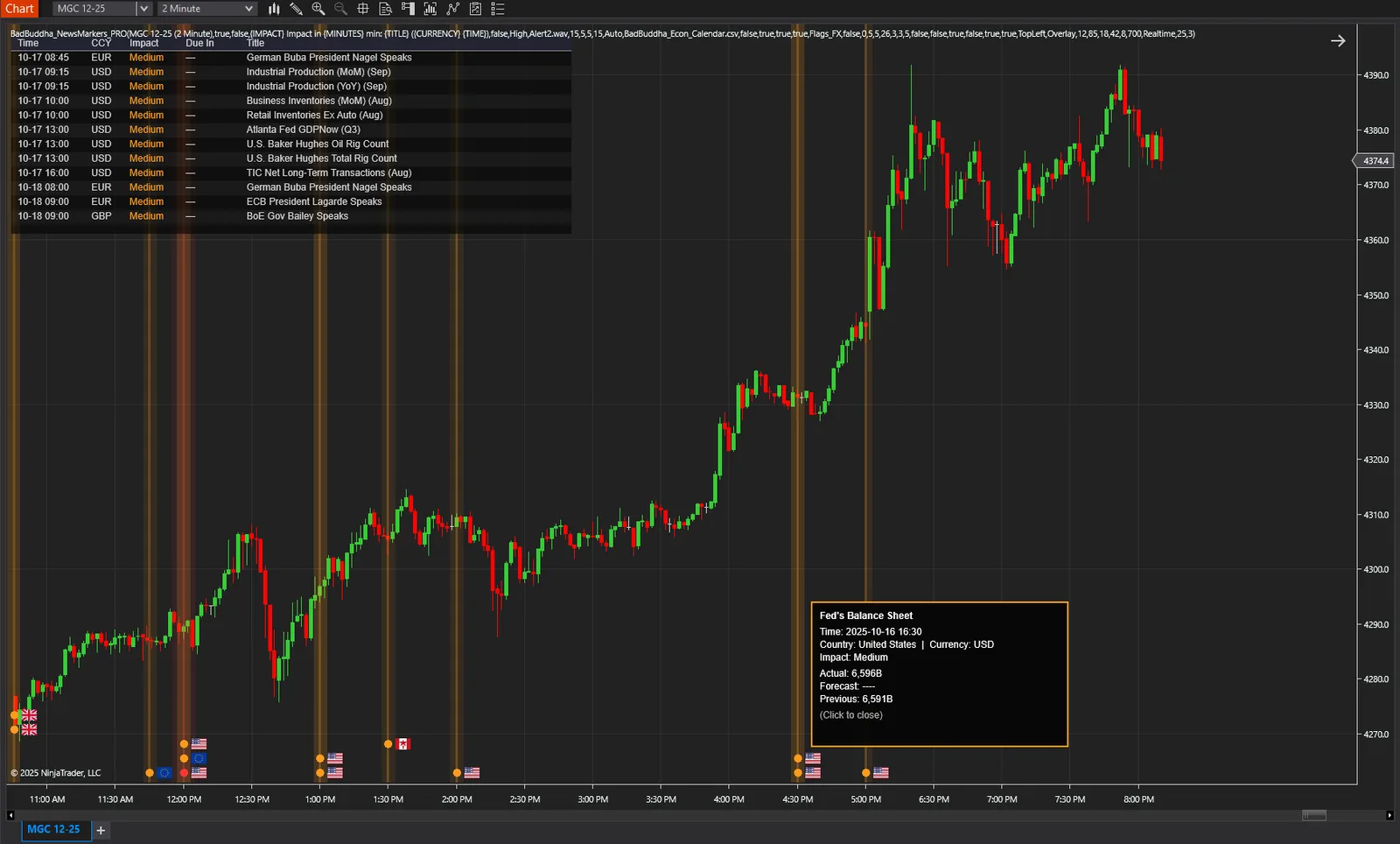
Automatically mark economic news events on your chart to avoid trading during high-impact releases.
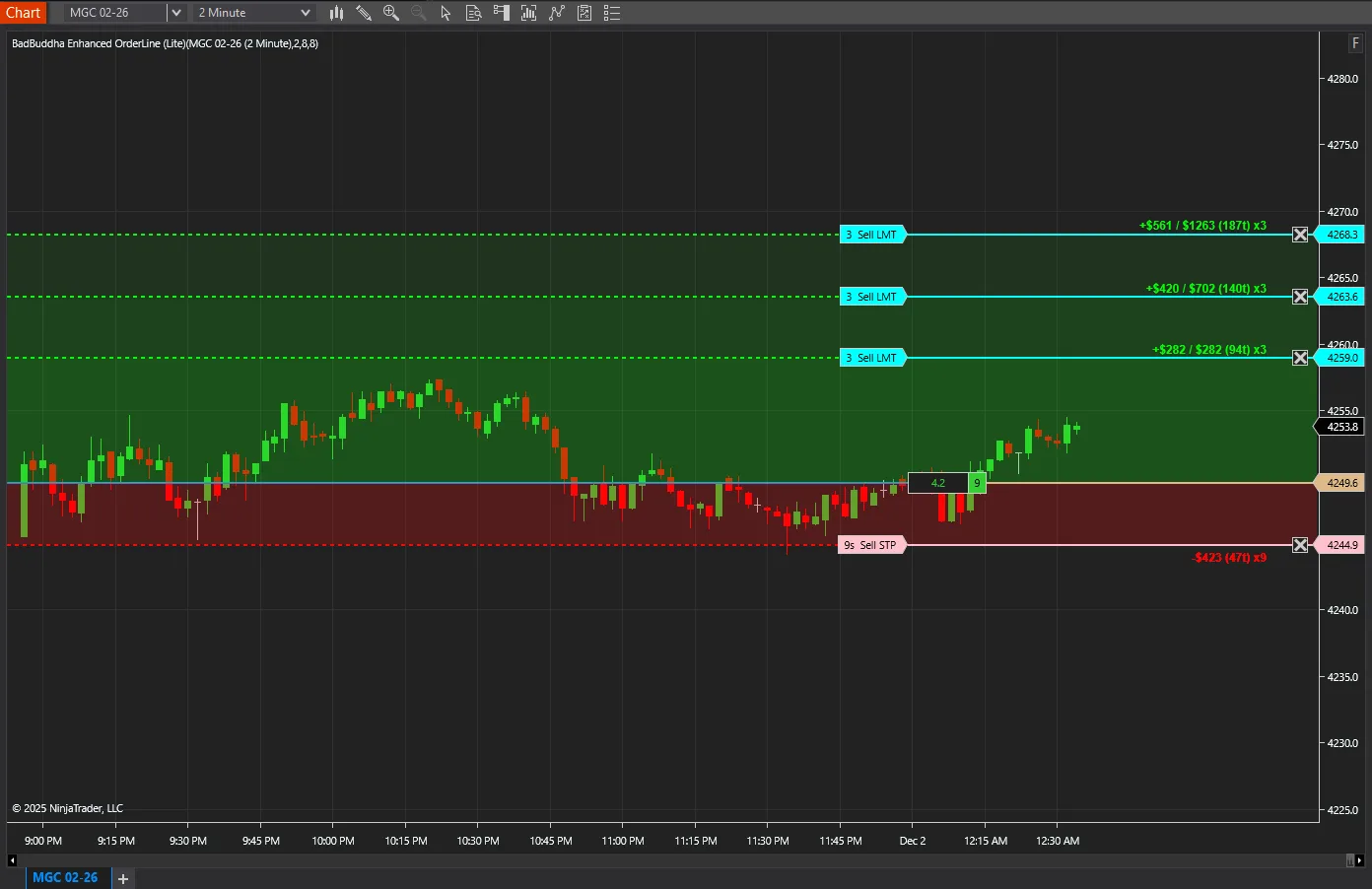
Provides clear visual representation of your active trading positions directly on the chart.
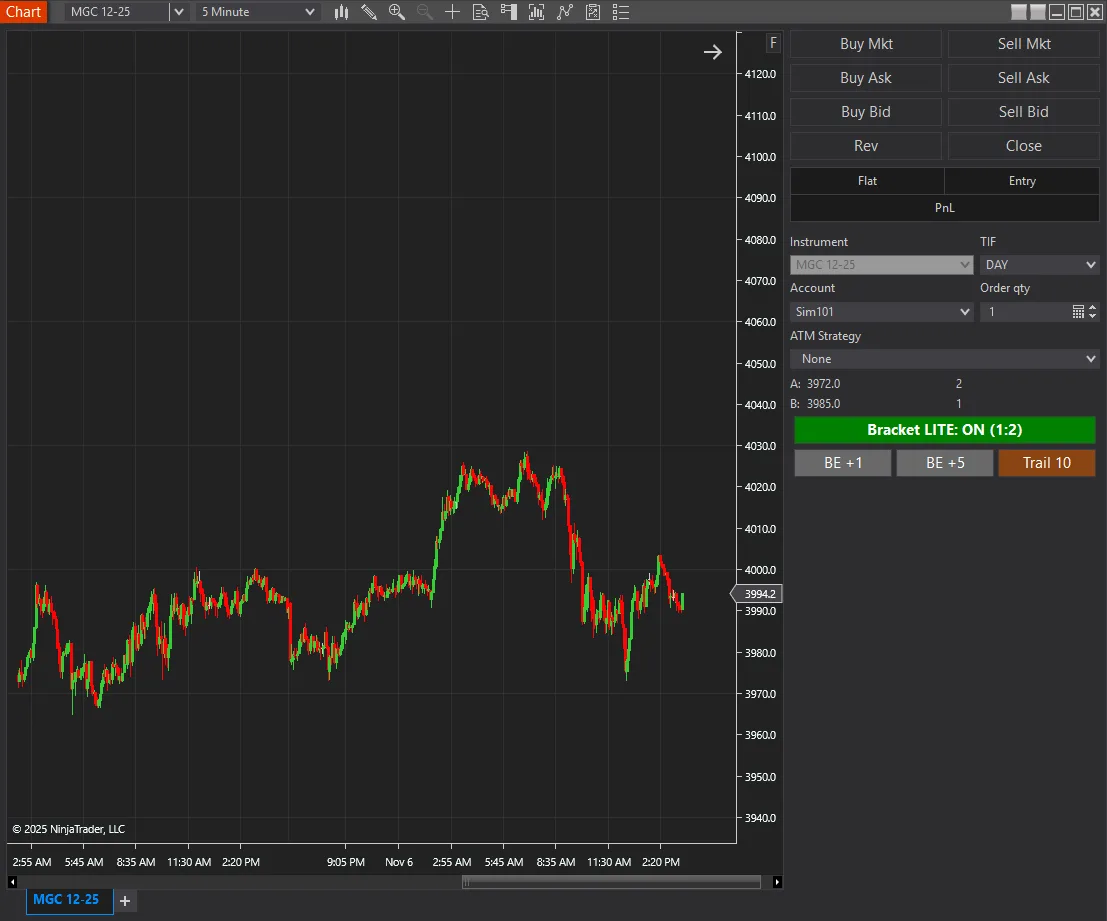
Provides a drag-and-drop interface for placing OCO (One Cancels Other) bracket orders on existing Chart Trader positions.
18 free and Pro indicators built for NinjaTrader 8.