 Bad
BadSurface unusual volume
Statistical context makes a genuinely heavy bar stand out from ordinary session noise instead of relying on memory.
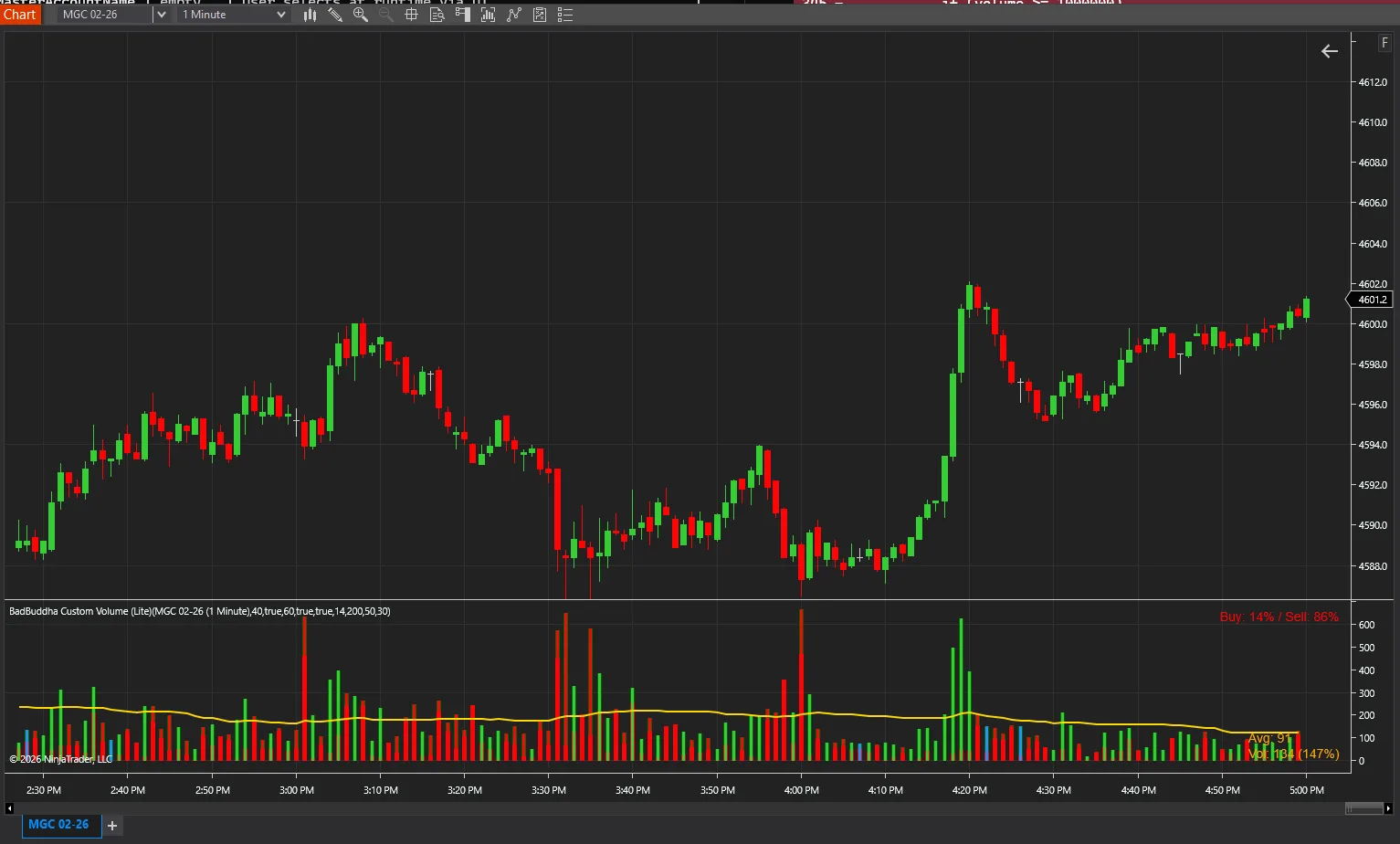
Enhanced volume indicator with customizable appearance and statistical analysis.
BadBuddha Custom Volume is a free tool from BadBuddha's Library — download it and drop it straight into NinjaTrader 8.
Download BadBuddha Custom VolumeVersion 1.2.1.0 · Installs like every BadBuddha tool — see the install guide. Free tools need no activation.
NinjaTrader’s built-in volume plot is deliberately plain. BadBuddha Custom Volume replaces it with a volume panel you can shape to your own workflow — control how the histogram is drawn and colored, and let the indicator put each bar’s volume into statistical context instead of leaving you to eyeball it.
The point is signal, not decoration: when volume is unusual relative to recent bars, the panel makes that obvious, and when it is routine, it stays out of the way.
Statistical context makes a genuinely heavy bar stand out from ordinary session noise instead of relying on memory.
Color and appearance settings let the volume panel follow the same visual rules as the rest of your workspace.
It slots into the same panel the default volume plot occupies — an upgrade in place, not another study fighting for room.
Same import as every NinjaTrader 8 add-on.
Use the download button above — no account, no checkout, no activation for free tools.
Control Center → Tools → Import → NinjaScript Add-On, then select the downloaded file. Do not unzip it first.
Open a chart → right-click → Indicators → find BadBuddha Custom Volume in the list and configure it to taste.
BadBuddha tools include an update checker that tells you inside NinjaTrader when a new version ships.
Yes — BadBuddha Custom Volume is part of BadBuddha's free library. There is no trial clock, no account, and no activation step; download it and use it.
Download the .zip, then in NinjaTrader 8 go to Control Center → Tools → Import → NinjaScript Add-On and select the file (don’t unzip it first). Full walkthrough in our Getting Started guide.
Yes. Chart indicators run locally inside your NinjaTrader 8 platform and work the same on sim, evaluation, and funded accounts regardless of broker or prop firm.
Every BadBuddha tool ships with a built-in update checker — when a new version is released, NinjaTrader lets you know and the download link on this page always serves the latest build.
Email info@badbuddhacustoms.com with the indicator name in the subject line. Questions, bug reports, and feature ideas are all welcome — free tools get real support too.
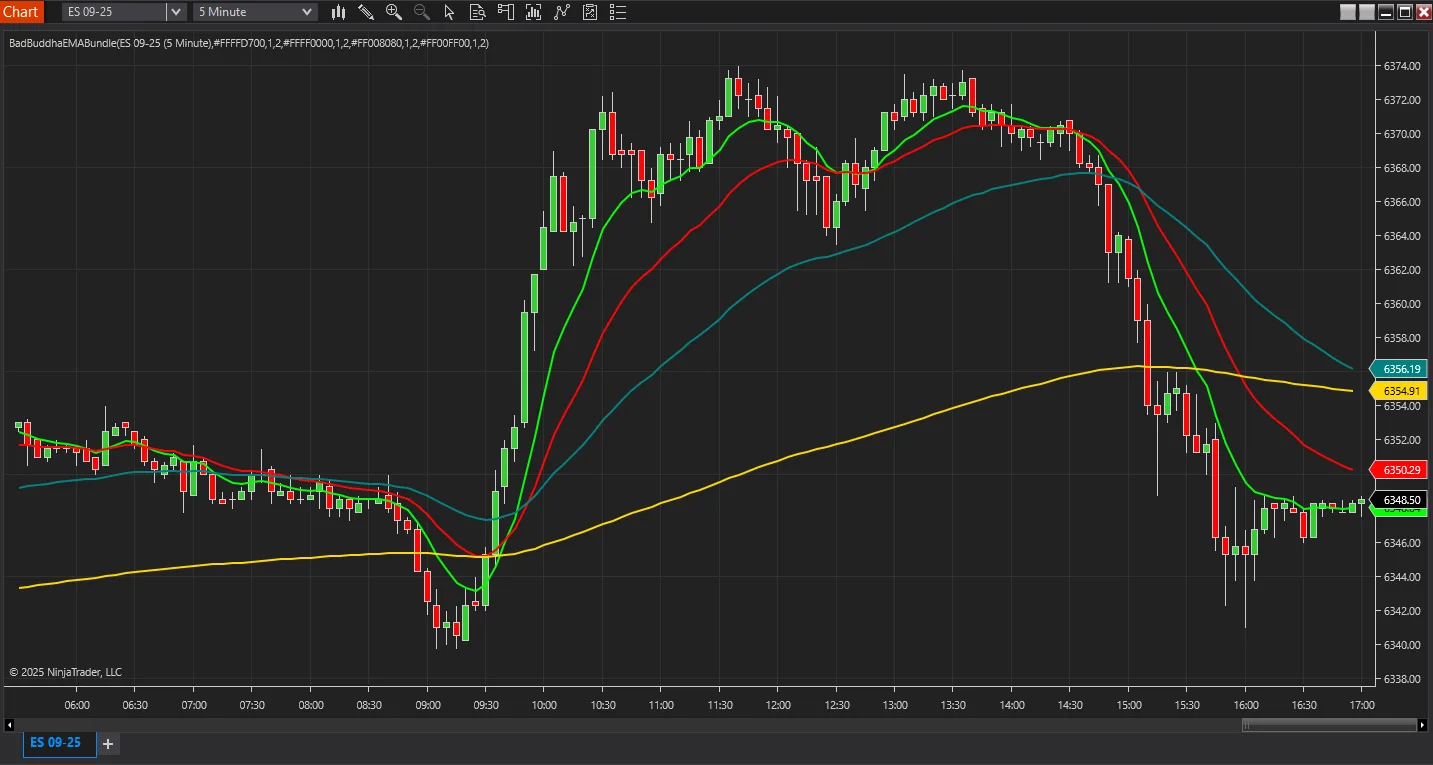
Display multiple Exponential Moving Averages (9, 20, 50, 200) on a single indicator for clean chart analysis.
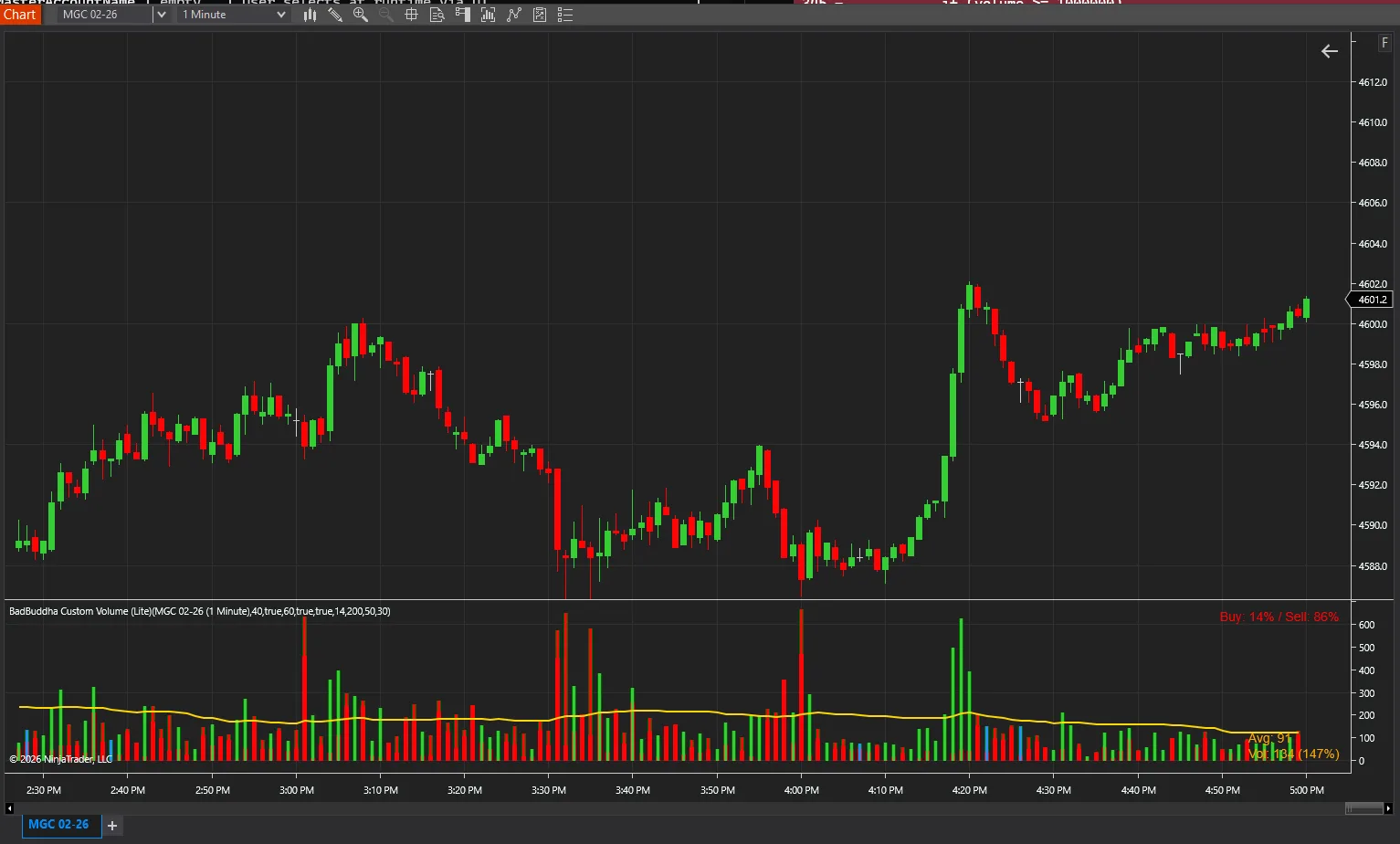
Stacked volume histogram showing cumulative buying/selling volume.
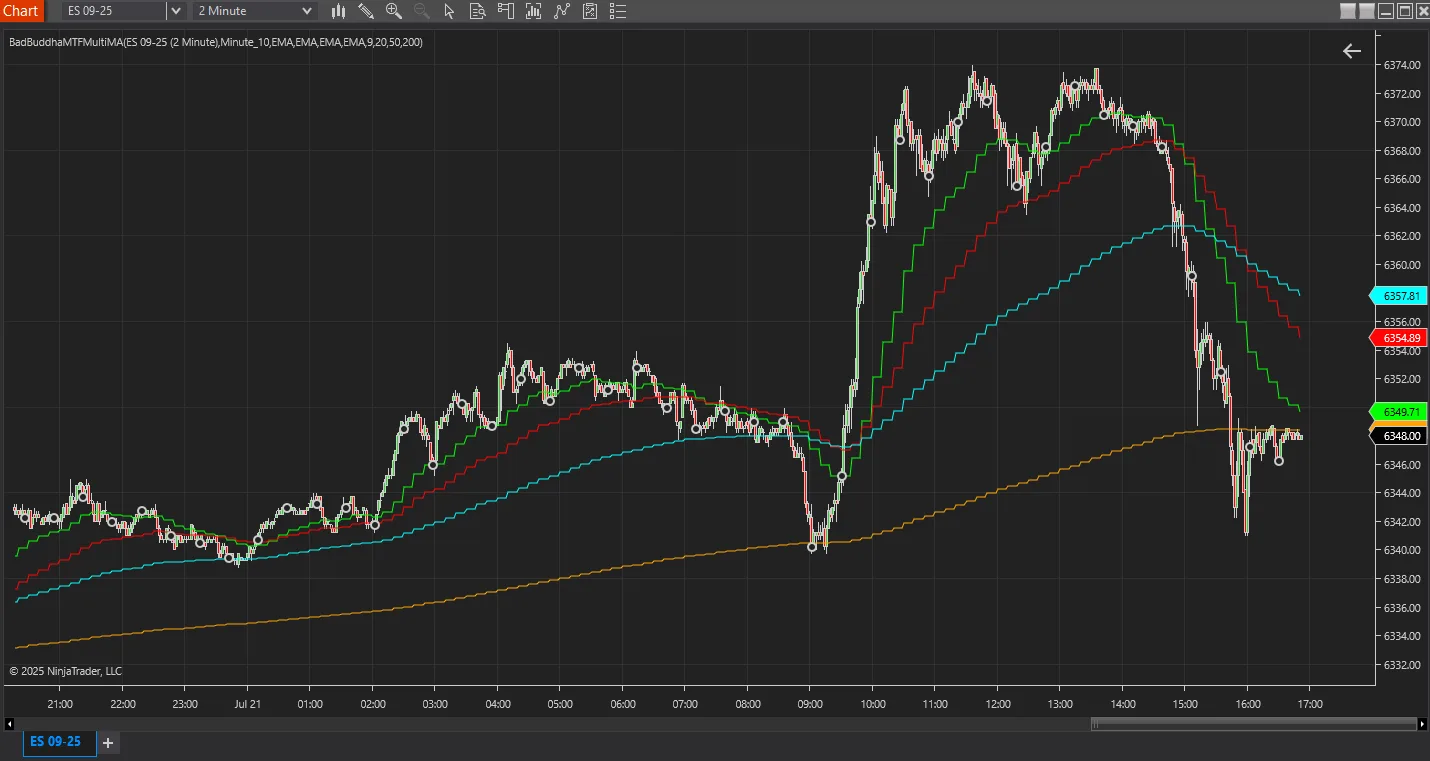
View up to four moving averages from multiple timeframes on one chart for comprehensive trend analysis.
18 free and Pro indicators built for NinjaTrader 8.