 Bad
BadRead the balance at a glance
A column that is mostly one color says who won the bar without opening a delta panel.
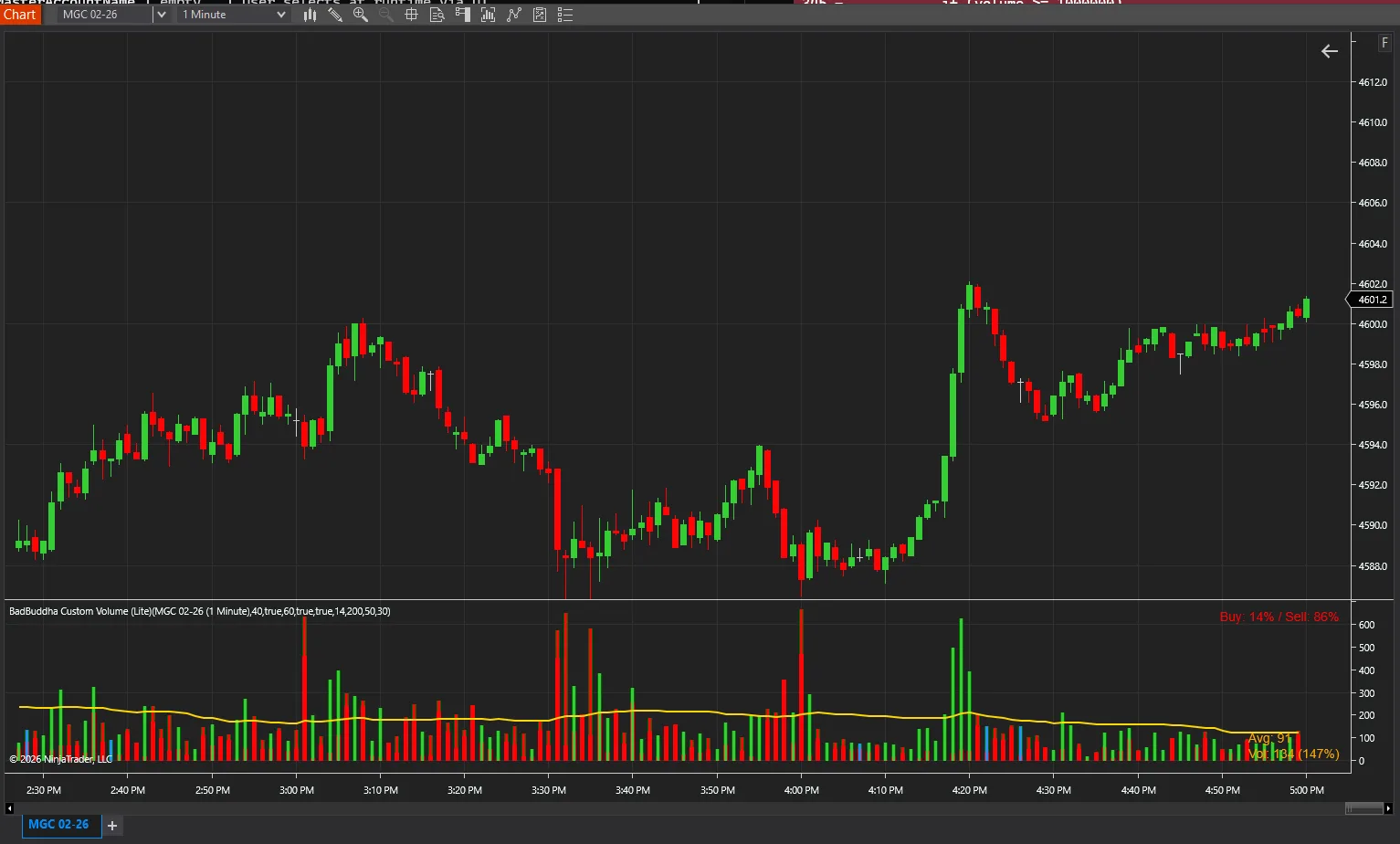
Stacked volume histogram showing cumulative buying/selling volume.
BadBuddha Volume Stack is a free tool from BadBuddha's Library — download it and drop it straight into NinjaTrader 8.
Download BadBuddha Volume StackVersion 1.1.0.0 · Installs like every BadBuddha tool — see the install guide. Free tools need no activation.
The BadBuddha Volume Stack takes the buy/sell split one step further and stacks the two components into a single cumulative histogram per bar. Each bar becomes a stacked column: the proportion of buying to selling is visible in the column itself, and the total height still shows overall participation.
The result reads like a mini balance-of-power gauge under every candle — useful when you care less about raw volume numbers and more about which side carried the bar.
A column that is mostly one color says who won the bar without opening a delta panel.
Watch the stack composition change as a move ages — thinning dominance often precedes the actual turn in price.
One stacked panel replaces separate buy-volume and sell-volume plots, saving vertical space on smaller screens.
Same import as every NinjaTrader 8 add-on.
Use the download button above — no account, no checkout, no activation for free tools.
Control Center → Tools → Import → NinjaScript Add-On, then select the downloaded file. Do not unzip it first.
Open a chart → right-click → Indicators → find BadBuddha Volume Stack in the list and configure it to taste.
BadBuddha tools include an update checker that tells you inside NinjaTrader when a new version ships.
Yes — BadBuddha Volume Stack is part of BadBuddha's free library. There is no trial clock, no account, and no activation step; download it and use it.
Download the .zip, then in NinjaTrader 8 go to Control Center → Tools → Import → NinjaScript Add-On and select the file (don’t unzip it first). Full walkthrough in our Getting Started guide.
Yes. Chart indicators run locally inside your NinjaTrader 8 platform and work the same on sim, evaluation, and funded accounts regardless of broker or prop firm.
Every BadBuddha tool ships with a built-in update checker — when a new version is released, NinjaTrader lets you know and the download link on this page always serves the latest build.
Email info@badbuddhacustoms.com with the indicator name in the subject line. Questions, bug reports, and feature ideas are all welcome — free tools get real support too.
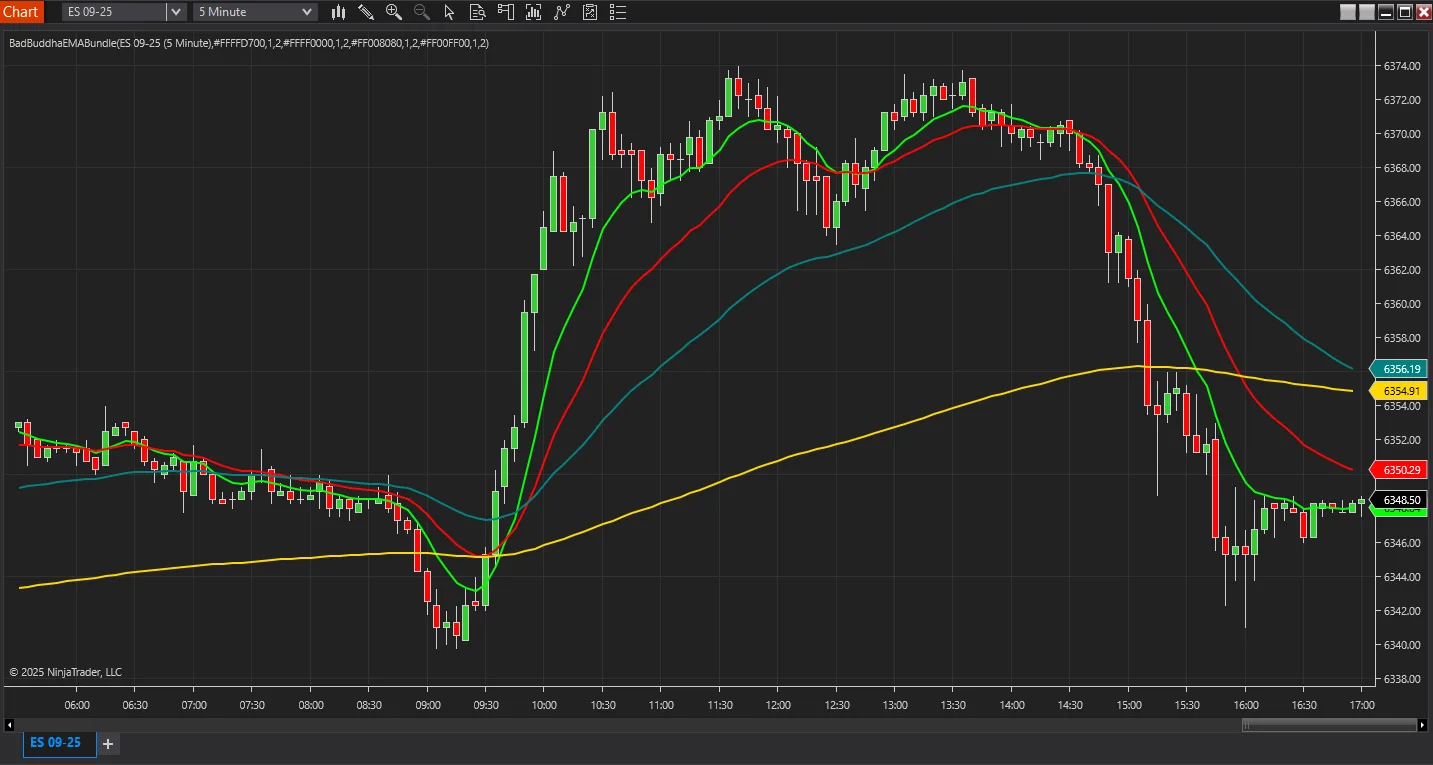
Display multiple Exponential Moving Averages (9, 20, 50, 200) on a single indicator for clean chart analysis.
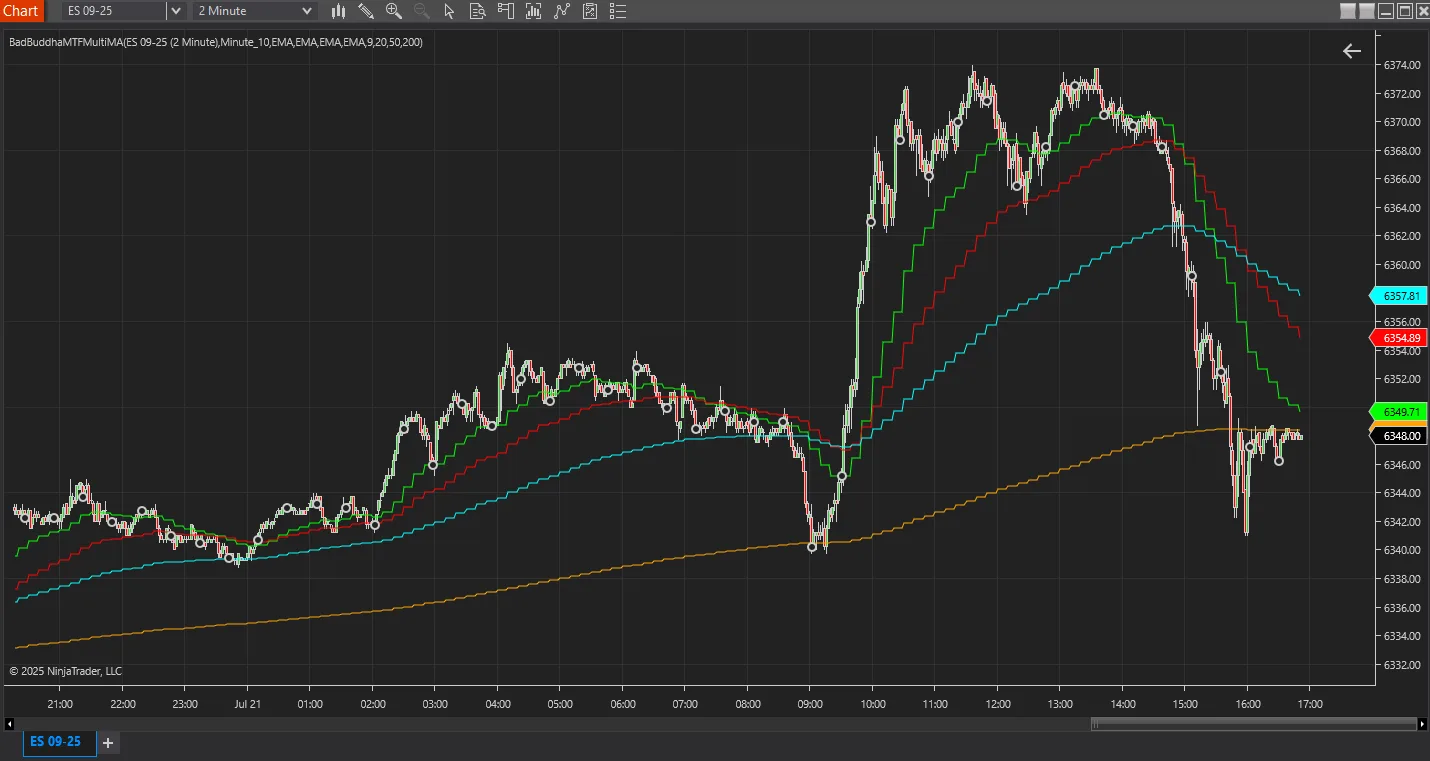
View up to four moving averages from multiple timeframes on one chart for comprehensive trend analysis.
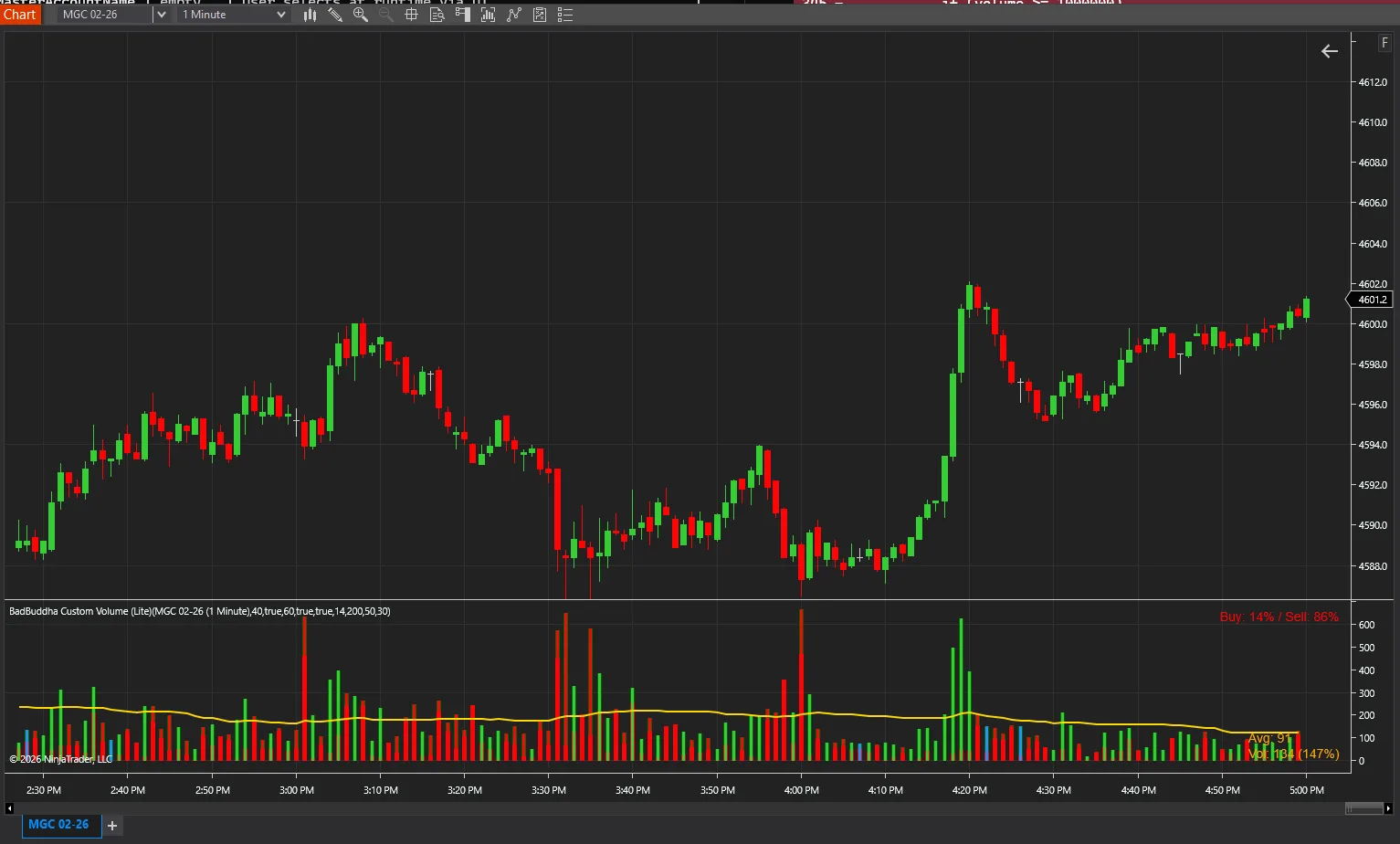
Enhanced volume indicator with customizable appearance and statistical analysis.
18 free and Pro indicators built for NinjaTrader 8.